PTE Core App: Online Practice with AI Scoring for iPhone and Android
The RealPTE PTE Core app offers all 19 Core task types, microphone speaking practice, a 52-question Core mock and a CLB calculator on iPhone, Android and the web. Use the same account and Plus plan across the website and app.
Download the app or practise in your browser
The app opens the RealPTE website inside an app shell. Sign in with the account you use on the website, then choose PTE Core in your account’s test setting or start Core practice below. One Plus plan covers web and app, and both PTE Core and PTE Academic. Downloading is free; Plus is optional.
What you can practise
| Core feature | What happens |
|---|---|
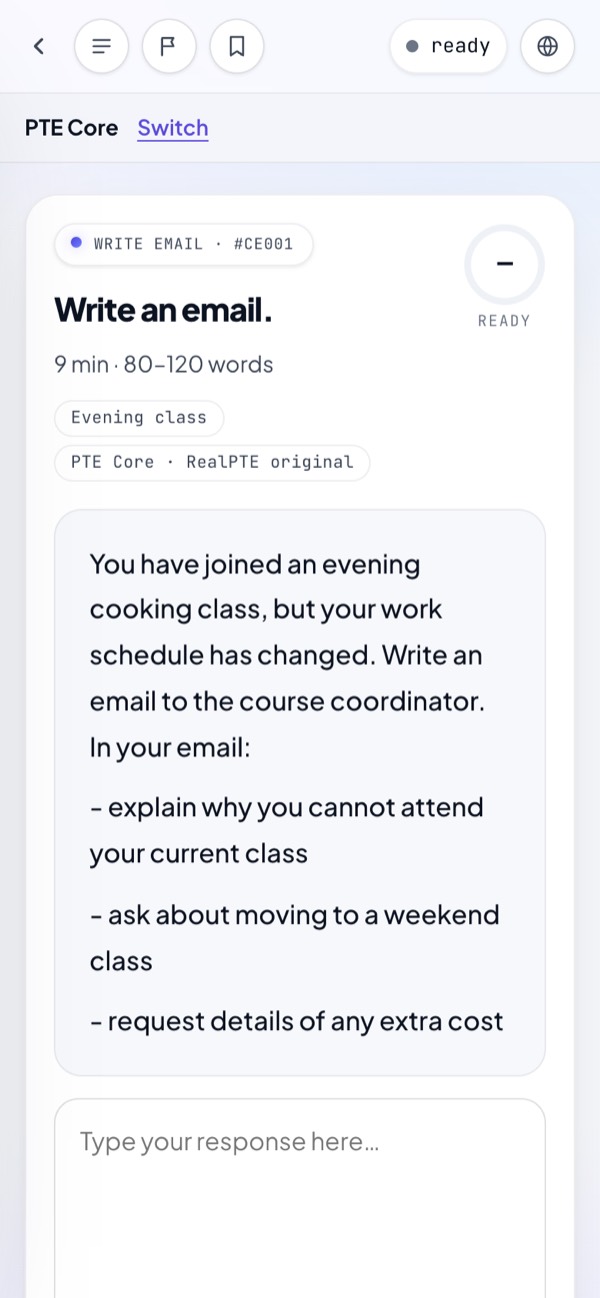
| All 19 task types | Speaking, writing, reading and listening practice links use the Core mode and timings. |
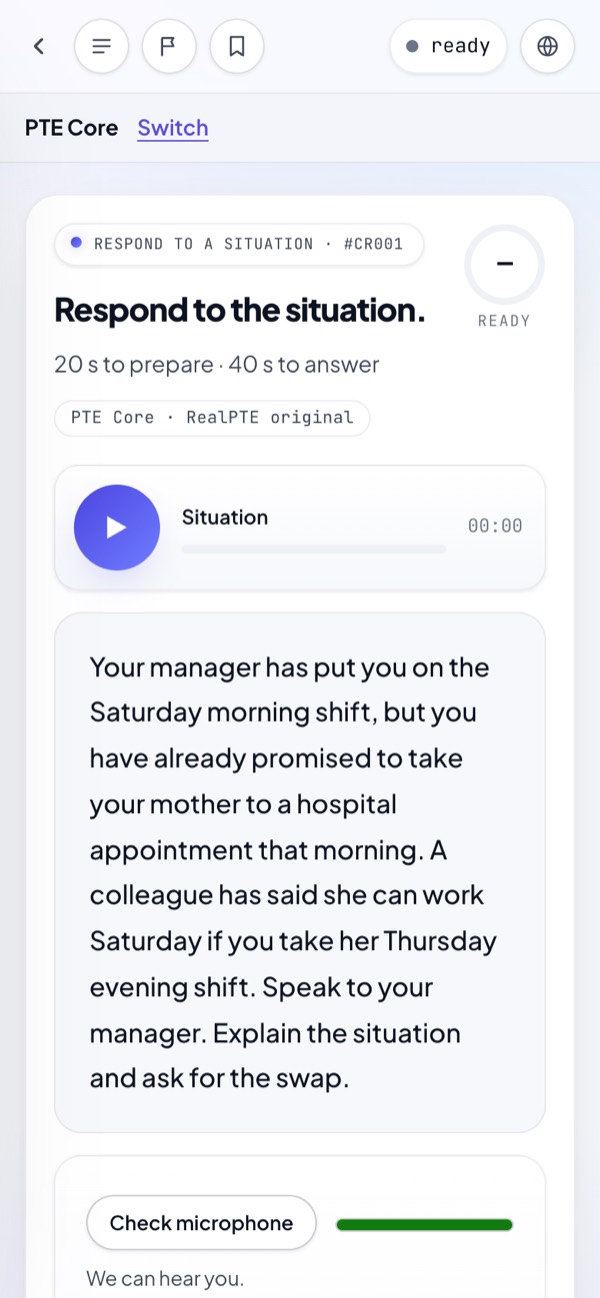
| Speaking with a microphone | Allow microphone access, check the input and record your spoken answer for practice feedback. |
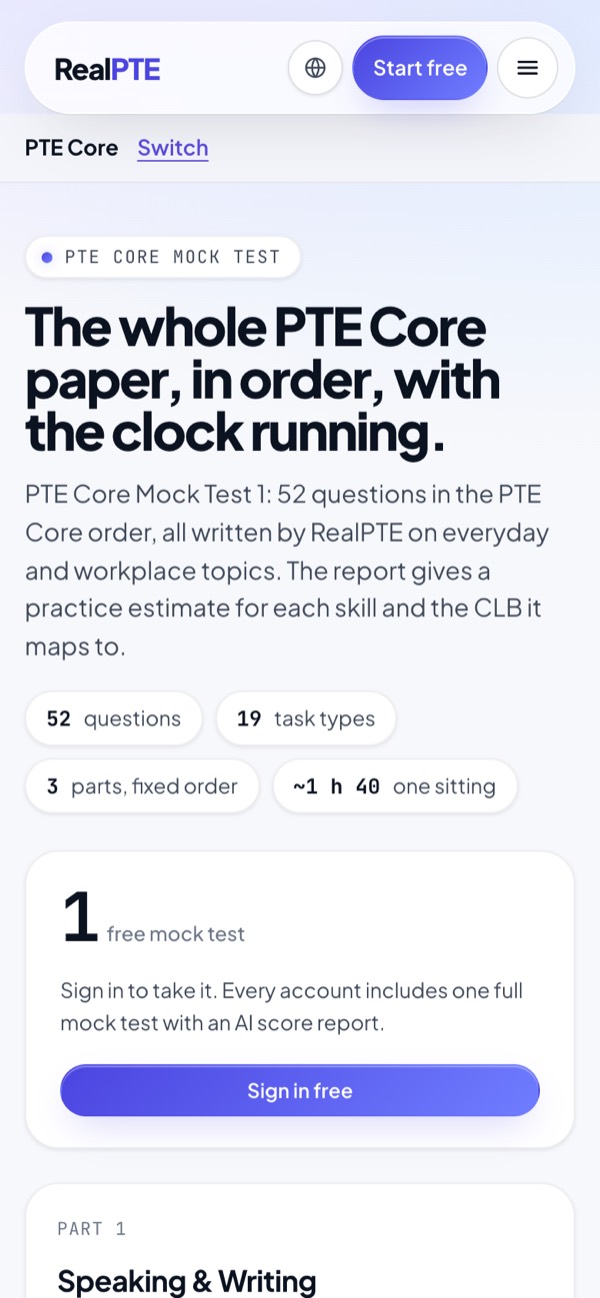
| 52-question Core mock | Timed sections and a report with four skill practice estimates and estimated CLB per skill. |
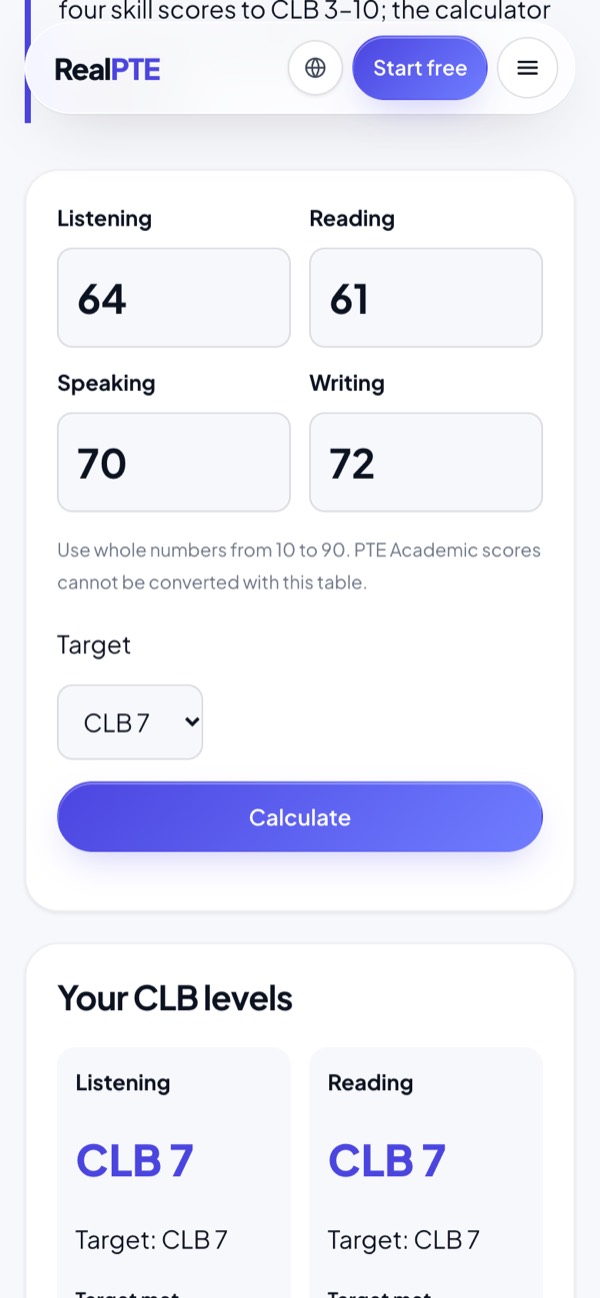
| CLB calculator | Enter each skill score and compare it with the published Core CLB thresholds. |
Shared task types use material from the main bank with academic topics. Core-specific tasks use everyday questions. Task counts, scoring and skill contributions can differ between the tests; follow the Core instructions.
Check my microphone and Core speaking instructions · Open the CLB calculator
RealPTE Core screens on a phone
Free practice and Plus
| Feature | Free account | Plus |
|---|---|---|
| AI practice scores | 25 per day | Up to 300 per day |
| Objective tasks and Write from Dictation | Answer-based marking without limit | Answer-based marking without limit |
| Full mock credits | 1 in total per account | Included credits depend on plan length |
Daily AI allowances and full-mock credits are shared across PTE Core and PTE Academic. A full mock needs sign-in and an available credit. Scores and CLB mappings from practice are estimates, not Pearson test results.
Phone access and in-app payment
The App Store lists iOS 15.0 or later for iPhone. For Android compatibility, check Google Play on the device you will use. Speaking practice needs microphone permission and internet access; you can also use the website in your browser.
You can buy Plus in the iPhone or Android app through the relevant store. The store shows its local price and payment methods before purchase; these can differ from web checkout and by country. Sign in to your own RealPTE account before buying so Plus is attached to that account. The same plan then works on the website.
For a full timed mock, also practise using a computer keyboard, screen and microphone. A phone is useful for individual tasks, but does not reproduce a test-centre workstation. RealPTE is independent of Pearson.
Sources and dates
Source: Pearson Core Score Guide: task counts. Checked 2026-10-23.
Source: Pearson Core Speaking & Writing. Checked 2026-10-23.
Source: Pearson Core CLB chart. Checked 2026-10-23.
Source: Apple App Store: free download and in-app purchases. Checked 2026-10-23.
Source: Apple App Store: iPhone compatibility. Checked 2026-10-23.
Source: Google Play: app and web account. Checked 2026-10-23.
Questions students ask
Is there a PTE Core app for iPhone and Android?
The RealPTE PTE Core app offers all 19 Core task types, microphone speaking practice, a 52-question Core mock and a CLB calculator on iPhone, Android and the web. Use the same account and Plus plan across the website and app.
Can I practise PTE Core online with AI scoring?
Yes. A free RealPTE account has 25 AI practice scores per day, shared across Core and Academic. Objective tasks and Write from Dictation use answer-based marking. Practice feedback is not an official test result.
Is the PTE Core app free?
The download is free. Your account includes 1 full mock in total, shared across Core and Academic, and daily free AI feedback. Optional Plus adds a higher daily AI allowance and plan-specific mock credits.
Do I need a separate plan for the app?
No. Use the same RealPTE account on web and app. Plus covers both, whether bought on the website or through an app store. Check the local price shown before purchase.
Can I use my phone microphone for Core speaking?
Yes. Allow microphone access and check the input before recording. Use the Core speaking guide to try a microphone recording; internet access is needed for the practice product.